



Discover the best AI tools, explore emerging technologies, and learn how artificial intelligence is transforming work, education, business, and everyday life.
Artificial Intelligence (AI) is changing the way people work, learn, communicate, and run businesses. From writing content and creating images to analyzing data and developing software, AI tools are helping people complete tasks more efficiently.
In 2026, technology is moving beyond simple chatbots. AI-powered assistants, automated workflows, intelligent robots, and advanced cybersecurity systems are creating new opportunities for individuals and businesses.
Whether you are a student, content creator, freelancer, entrepreneur, or technology enthusiast, understanding these tools can help you save time, improve productivity, and develop valuable digital skills.
In this guide, we will explore the best AI tools, the latest technology trends, their benefits, and practical ways to use them.

1. What Is Artificial Intelligence?
Artificial Intelligence, commonly known as AI, is a field of computer science that enables computer systems to perform tasks that typically require human intelligence.
These tasks may include understanding language, recognizing images, generating content, identifying patterns, solving problems, and making predictions.
Modern AI systems can process large amounts of information and generate responses based on patterns learned from data. Some can also work with images, audio, video, documents, and computer code.
Examples of AI in everyday life
- Voice assistants: Answer questions and help users complete tasks.
- Recommendation systems: Suggest movies, music, products, and videos.
- AI chatbots: Help with writing, research, planning, and problem-solving.
- Smart navigation: Estimate routes and travel times.
- Fraud detection: Identify unusual patterns in financial transactions.
- AI-powered design: Help create graphics, presentations, and marketing materials.
AI does not replace the need for human judgment. Its output can contain errors, outdated information, or misleading conclusions, so important results should always be checked.

2. Google Gemini — AI for Research and Productivity
Google Gemini is an AI assistant that can help users understand information, generate ideas, work with supported media, and complete productivity tasks. Its integration with Google services depends on the product and plan.
Best uses:
- Brainstorming article topics.
- Summarizing information.
- Helping with writing and research.
- Working with supported Google Workspace features.
- Understanding complex subjects.
Website: https://gemini.google.com
3. Claude — AI for Writing and Analysis
Claude is an AI assistant developed by Anthropic. It is useful for drafting and refining documents, analyzing information, solving problems, and assisting with coding.
Best uses:
- Drafting long-form articles.
- Improving readability and tone.
- Reviewing lengthy documents.
- Organizing research notes.
- Assisting with software development.
Website: https://claude.ai
4. Perplexity — AI-Powered Research
Perplexity is a research-focused AI answer engine that can search the web and provide answers with source links.
It can be useful when you need to investigate a topic, discover references, or identify sources for a blog article.
Best uses:
- Researching current technology trends.
- Finding relevant sources for articles.
- Comparing products and services.
- Exploring industry developments.
- Building an initial research outline.
Always open and verify the original sources before publishing information.
Website: https://www.perplexity.ai
5. Canva AI — Design Without Advanced Skills
Canva offers design tools and AI-assisted features for creating visual content. Available features and usage limits vary by plan.
Best uses:
- Designing blog featured images.
- Creating social media posts.
- Preparing presentations.
- Designing marketing banners.
- Producing visual content for websites.
For bloggers, Canva can make it easier to create consistent visuals that match a website’s branding.
Website: https://www.canva.com

6. Midjourney — AI Image Generation
Midjourney is an AI image-generation platform that can create visual artwork from text descriptions.
It can help bloggers develop illustrations, conceptual visuals, and creative images for technology-related articles.
Best uses:
- Creating futuristic technology illustrations.
- Developing conceptual images for blog posts.
- Producing creative artwork.
- Exploring different visual styles.
Before using generated images commercially, review the platform’s current terms and usage rights.
Website: https://www.midjourney.com
7. Runway — AI Video Creation
Runway provides AI-powered tools for generating and editing video and other visual media.
Best uses:
- Creating short promotional videos.
- Producing visual content for social media.
- Experimenting with text-to-video workflows.
- Editing creative video projects.
Video features, output quality, and usage limits depend on the available tools and plan.
Website: https://runwayml.com
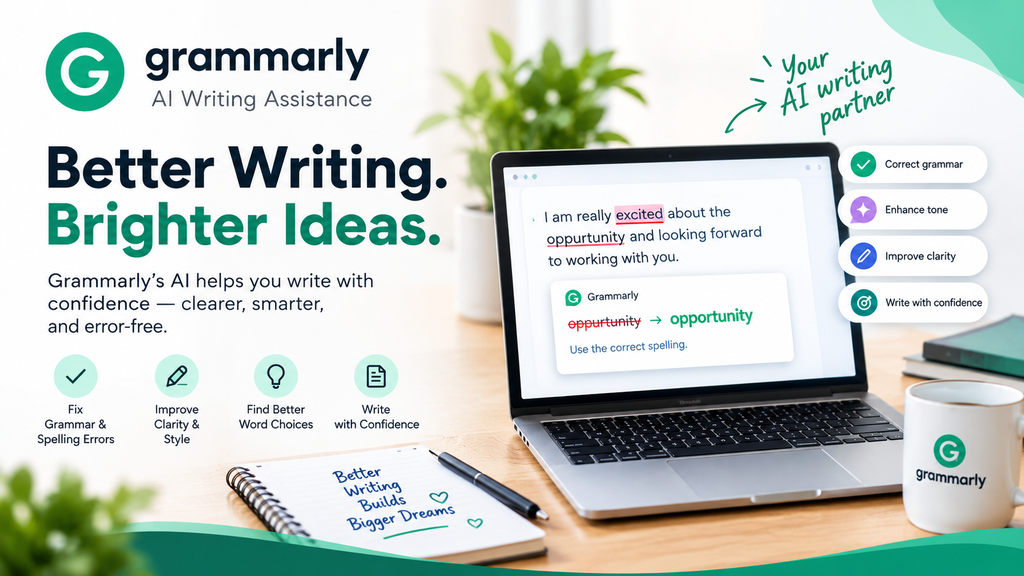
8. Grammarly — AI Writing Assistance
Grammarly helps users improve grammar, spelling, clarity, and tone. Its AI writing features can also assist with drafting and rewriting.
Best uses:
- Correcting grammatical mistakes.
- Improving sentence structure.
- Making business writing clearer.
- Reviewing website content.
- Polishing English blog articles.
Website: https://www.grammarly.com
9. Notion AI — Organize Your Work
Notion combines note-taking, project management, and knowledge organization, with AI features available in supported plans and workflows.
Best uses:
- Organizing blog ideas.
- Planning an editorial calendar.
- Summarizing notes.
- Managing content projects.
- Keeping research and drafts organized.
Website: https://www.notion.com
10. GitHub Copilot — AI for Coding
GitHub Copilot is an AI-powered coding assistant that can help developers write, understand, and improve software code.
Best uses:
- Suggesting code as you write.
- Explaining unfamiliar code.
- Assisting with debugging.
- Generating tests.
- Supporting software development workflows.
Developers should review generated code for errors, security issues, and licensing concerns.
Website: https://github.com/features/copilot